New freight publication panel: reach right carriers in one step

You publish a freight on the exchange. Then you open the messenger and write to the first carrier. Then to the second. Then to the third. The same data, the same words, the same window — just a different recipient.
You know it works. But you also know it shouldn’t cost this much.
We’re changing that.
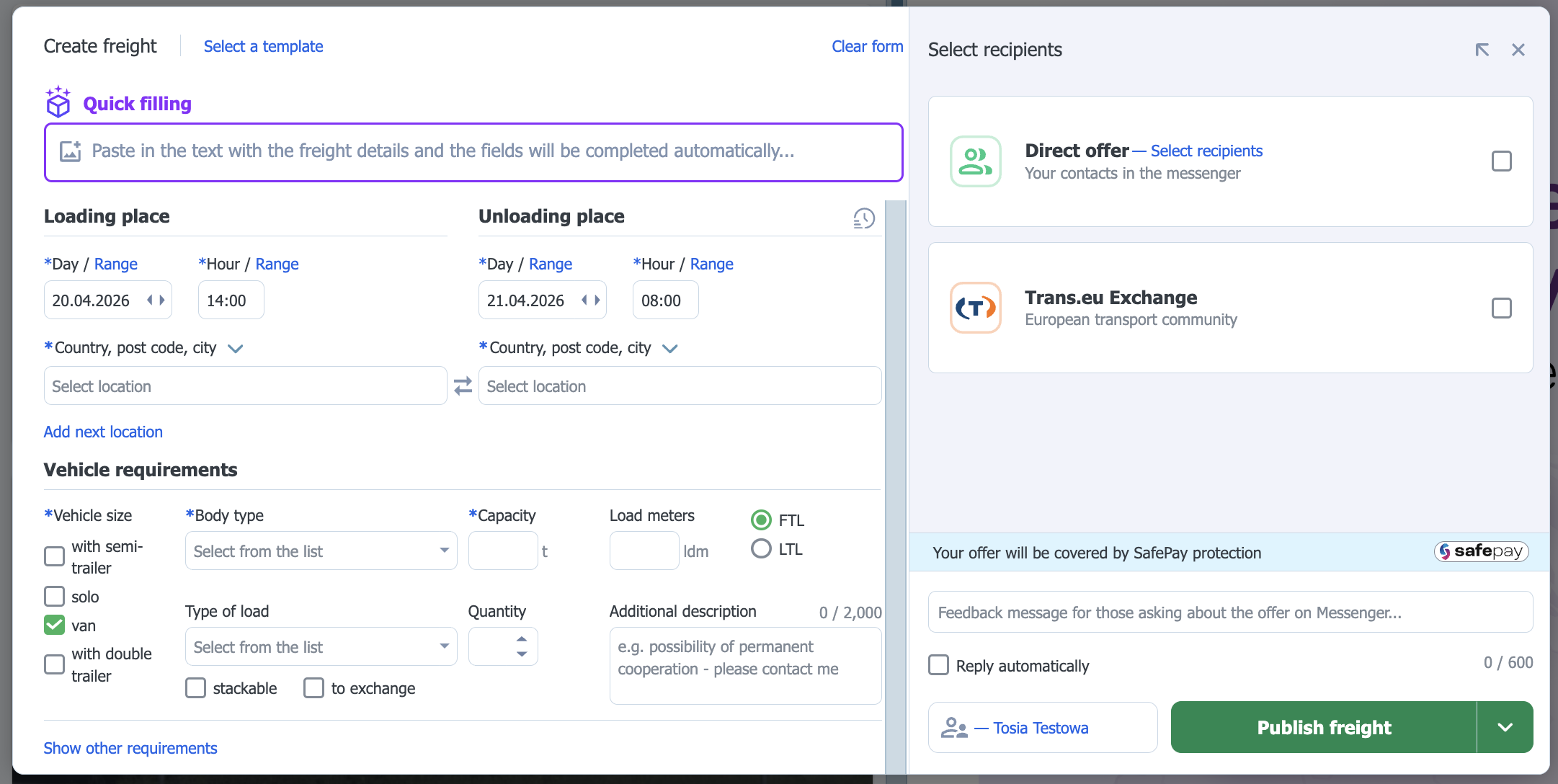
A form that finally keeps up with the way you work
We have redesigned the right-hand panel of the freight publication form. Not because something wasn’t working. Publishing to the exchange, contact groups, sending to up to 15 people at once — all of that was already there. But it was scattered. It required jumping between places, opening the form multiple times, and thinking about the order of steps.
The new panel puts an end to juggling. You enter the freight details once. You choose where it should go. You click Publish. The exchange, a direct offer, or both channels at the same time — all from one place, in one move.
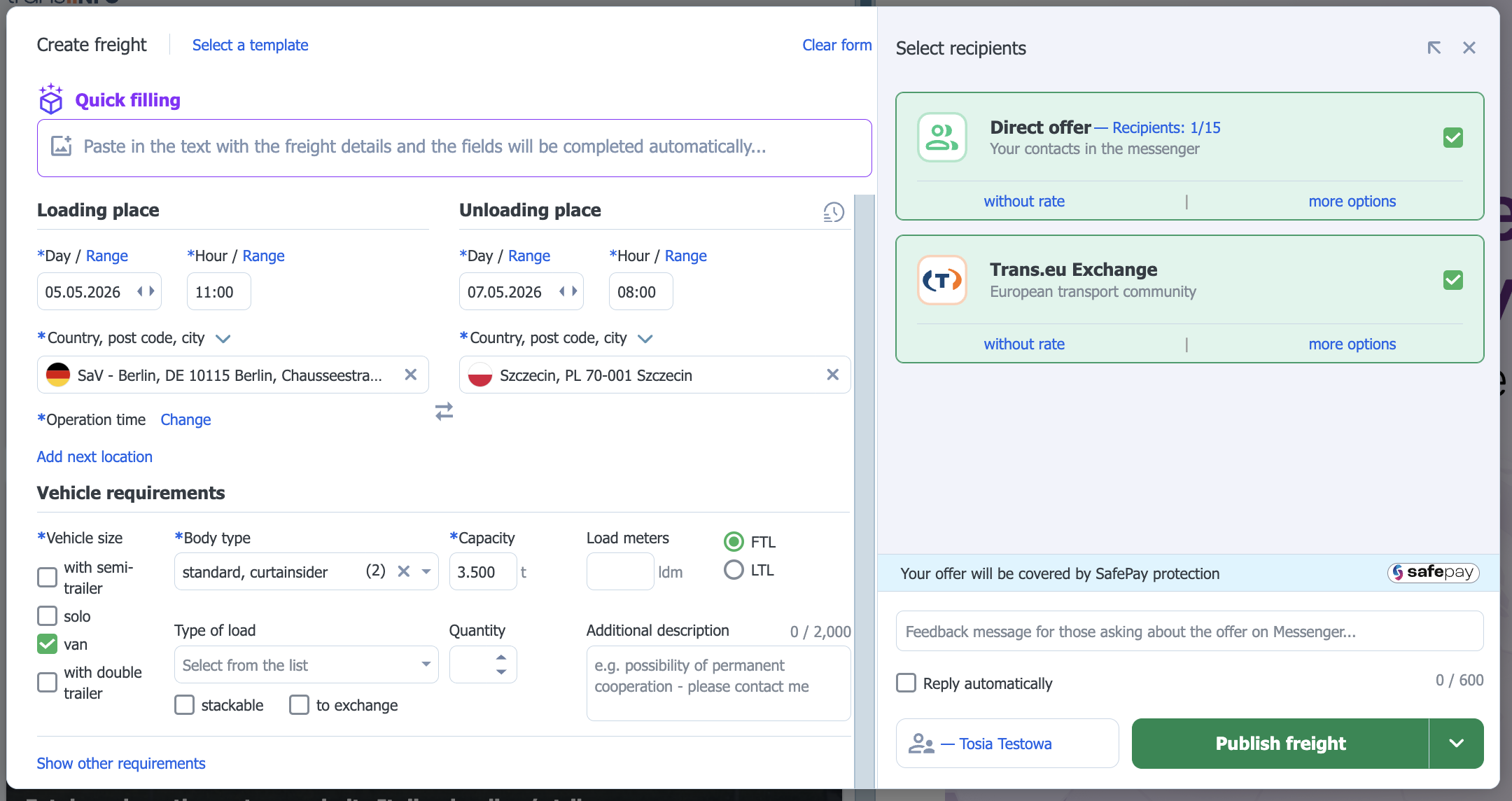
What exactly you’ll find in the new panel
Multi-channel publication — one decision, one step
Want to reach the exchange and your trusted carriers on this route at the same time? You select both channels in the same panel, in the same form, at the same moment.
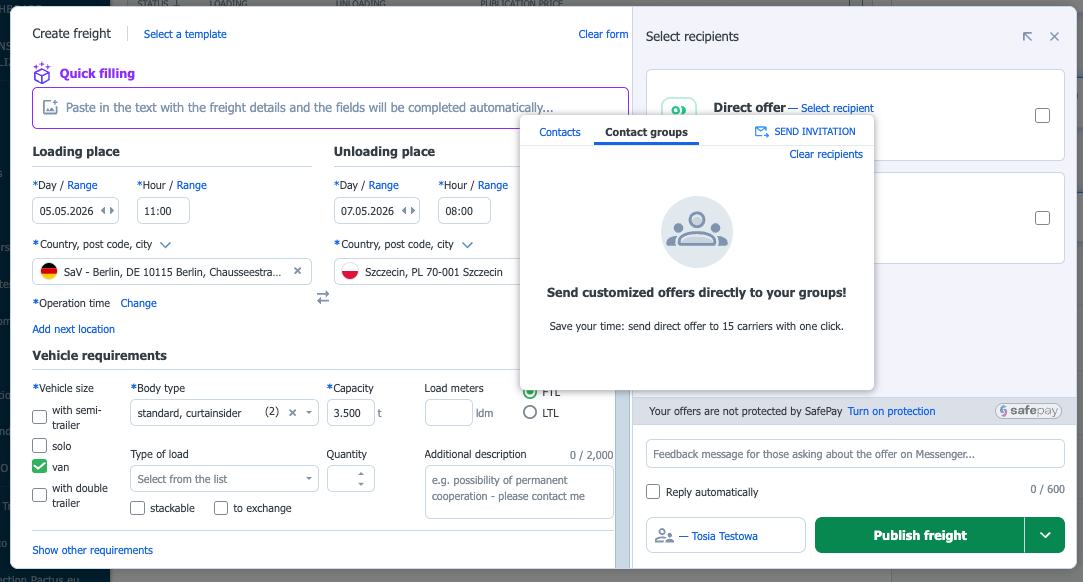
Contact groups — easier access
Do you have your own group of trusted carriers for the DE–FR route? Great. Now you can select it even more easily in the freight publication form. You click the group, and the offer goes to everyone. Up to 15 people at once, each receives it privately, each replies individually. You negotiate with everyone on your own terms.
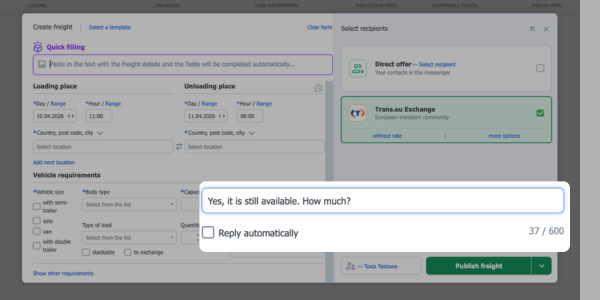
Autoresponder — a reply that works even when you’re doing something else
This is new. For each freight, you can set a ready-made message — with vehicle requirements, loading conditions, and whatever else you need. The reply will be waiting for you to click “Send” in every messenger window with a load inquiry.
Want the reply to be sent automatically? Just select “Reply automatically”, and every carrier will receive it instantly. Without your involvement. You stop being your freight’s own secretary.
What does it look like in practice?
Fill in the form → choose channels → Publish.
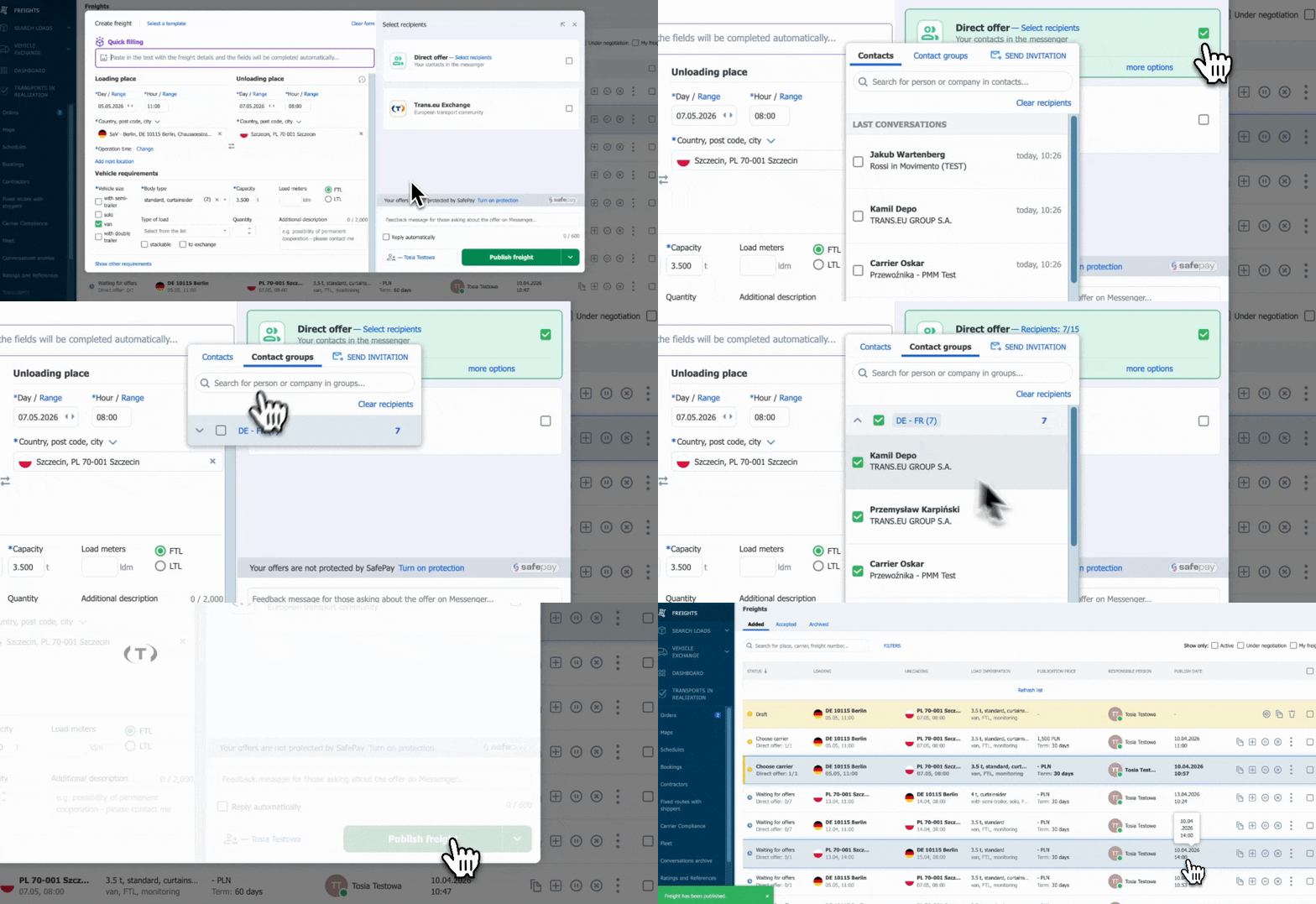
Contractors will see the offer wherever you published it: on the exchange, in the messenger, or by SMS if they’re not currently on the platform.
That’s it.
When and for whom?
The new panel is being rolled out gradually. If you’re in the first user group, you’ll see it automatically the next time you create a freight — no configuration needed.